
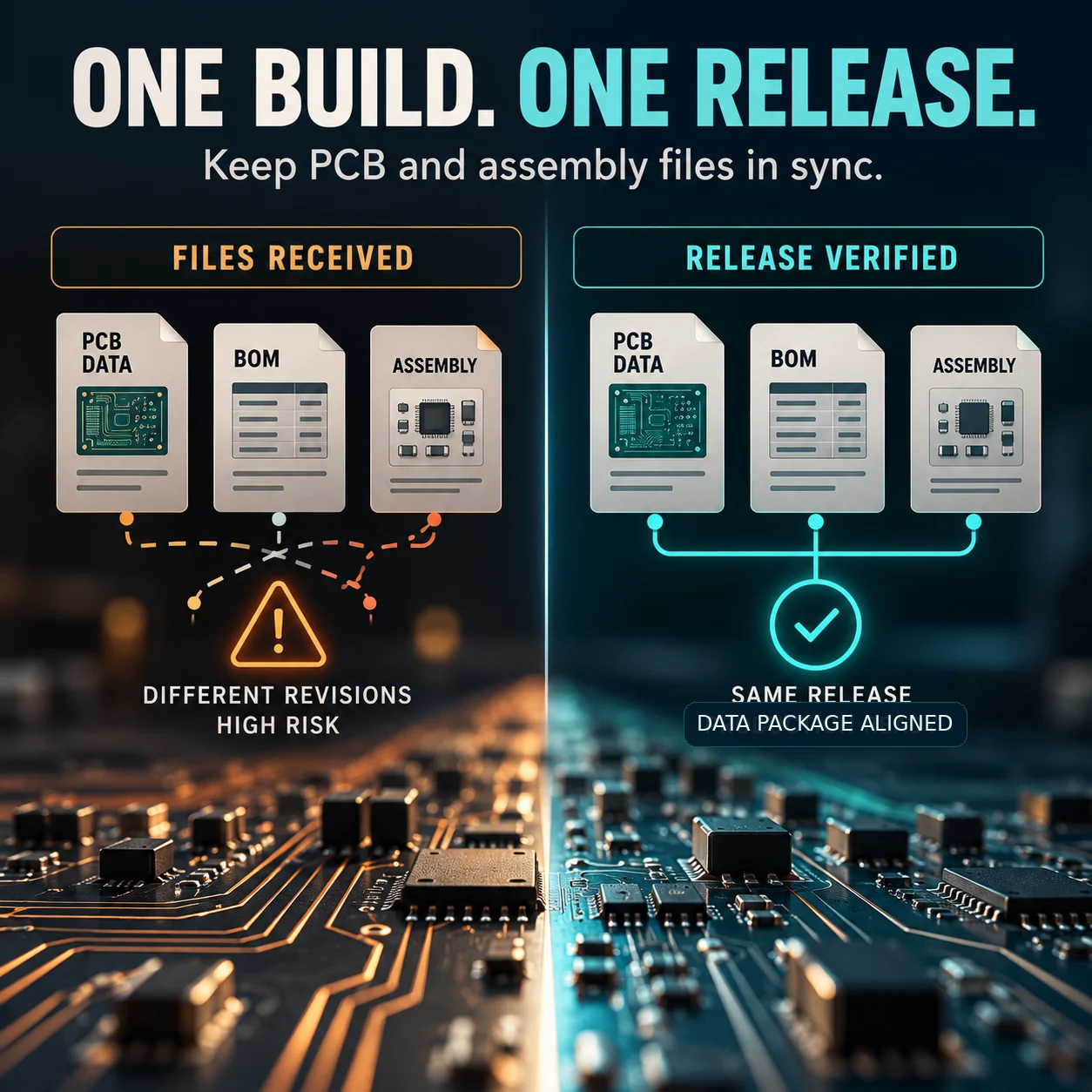
A PCB project can have a complete quotation, a willing manufacturer and an agreed target date, yet still encounter avoidable questions when production begins. One reason is that the files received do not all describe the same approved design.
For an OEM or EMS buyer, the mismatch may interrupt component purchasing, kitting or assembly planning even when every attachment appears complete.
The practical solution is a controlled release package: a traceable set of compatible fabrication and, where applicable, assembly documents, with clear responsibility for approving changes.
Why “We Sent All the Files” Is Not Enough
Consider a hypothetical handoff. Engineering exports new Gerber files after a layout update. Purchasing sends a BOM previously approved for a pilot run. The assembly drawing is still linked to an earlier component placement. None of these files is necessarily corrupted. But the combined package may not define a consistent build.
Important questions follow: Does the revised footprint fit the selected component? Do placement coordinates match the new outline? Has the change affected a controlled-impedance net or approved stack-up?
Authorized engineering should resolve these questions before the package is used for the build.
Define a Release Baseline, Not Just a Folder Name
A release baseline identifies authorized files, owner, issue date and individual document revisions for one build.
The file revision numbers do not have to match one another. A BOM marked C and a PCB drawing marked B can be part of the same valid release, provided the authorized release record explicitly links the compatible versions. Assuming that every file must display “Rev C” would be an oversimplification.
For bare PCB fabrication, the baseline normally centers on Gerber or other accepted manufacturing data, fabrication notes, board outline, drill data, layer construction and required acceptance criteria. For a PCBA project, add the approved BOM, component sourcing rules, pick-and-place/CPL data, assembly drawings and test instructions as applicable.
Cheerise lists these common inputs on its PCB Manufacturing FAQ and PCB assembly services pages.
Four Cross-Checks Before Purchase Order Release
1. Fabrication data versus drawing. Confirm that the board outline, layer count, thickness, copper requirements, surface finish, drill information, stack-up and impedance notes reflect the intended design. Clarify any difference rather than assuming one file overrides another.
2. BOM versus assembly data. Check component part numbers, quantities, designators, package assumptions and approved alternatives against the placement and assembly documents. Do not equate a sourcing-approved alternative with an engineering-approved design substitution.
3. Test and acceptance scope. Confirm which inspections, electrical tests or assembly-level validation steps apply to this release. A document-controlled package does not, by itself, prove manufacturability or compliance with performance requirements.
4. Ownership and sign-off. Record who can answer engineering queries, who approves a deviation and who authorizes a new release. Procurement should know when a change requires a new quote or delivery review, rather than treating it as an informal file replacement.
What Happens When Engineering Changes After the PO?
Changes are normal during development and new product introduction. The risk is not the change itself; it is an uncontrolled handoff.
When a revision is proposed after ordering, first identify the affected PCB or assembly lines and determine whether material ordering, tooling, fabrication or placement programming has begun. Then ask the manufacturer to assess technical impact, work already performed, cost exposure and schedule implications. Engineering should issue the approved replacement package and document whether existing work can proceed, requires rework or must be stopped.
A new filename emailed to one person is not sufficient evidence that the production baseline has changed. Request acknowledgment from the manufacturing contact and maintain a record of the effective revision and affected order quantity.
See Cheerise’s manufacturing and assembly services overview for related project coordination.
Practical Release Checklist for Procurement Teams
Before authorizing a new PCB or PCBA build, verify:
- A named engineering owner has approved the intended design release.
- A file manifest connects each document to that release.
- PCB fabrication data agrees with the fabrication drawing and specified stack-up.
- For assembly, BOM, CPL, drawings and component alternatives are compatible.
- Inspection, test and acceptance requirements are agreed for the project.
- Open engineering questions and deviations have named owners.
- Any post-PO change has an approval, cost and scheduling review where needed.
This checklist complements formal design control before funds and materials are committed.
Frequently Asked Questions
Do all PCB and PCBA files need the same revision letter?
No. Different document types may use separate revision schemes. What matters is an approved release record showing which versions are compatible for the specific build.
Is a complete Gerber package enough for PCBA manufacturing?
Generally not. Bare-board fabrication and assembly require different information. For PCBA, the manufacturer typically also needs the BOM, pick-and-place/CPL information, assembly instructions and an agreed test scope, subject to project requirements.
Does a controlled release mean production can start immediately?
Not necessarily. Engineering queries, DFM review, material availability, necessary qualifications and commercial approvals may still be outstanding. Release control creates a reliable baseline; it does not eliminate other readiness steps.
The Takeaway
The most useful question is not simply, “Have we received the latest files?” It is, “Can engineering, purchasing and manufacturing identify the same approved release for this build?”
That shared reference makes technical discussions clearer and changes easier to trace without replacing engineering validation.